MQ Connector
Java Message Service (JMS Connector) enables sending and receiving messages to queues and topics for any message service that implements the JMS specification. JMS is a widely used API for message-oriented middleware. It enables the communication between different components of a distributed application to be loosely coupled, reliable, and asynchronous. The main features of JMS Connector include:
Publish and subscribe pattern support on any given destination
Listen and reply pattern support on any given destination
Publish and consume pattern support on any given destination, with a fixed or temporary reply queue
Drag and drop the MQ Connector
Configuring MQ Connector
left click on connector, you can define the MQ Connector configration
Write MQ Operation
To perform write operation on MQ, provide queue name and input payload.
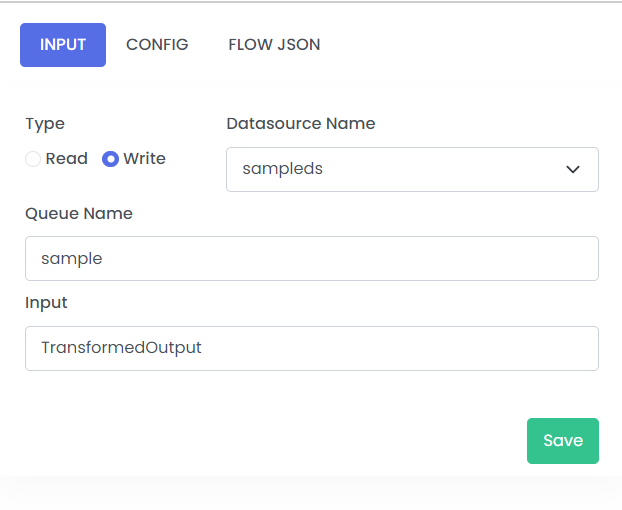
| Fields | Description | Example |
|---|---|---|
| Type | Read/Write | Write |
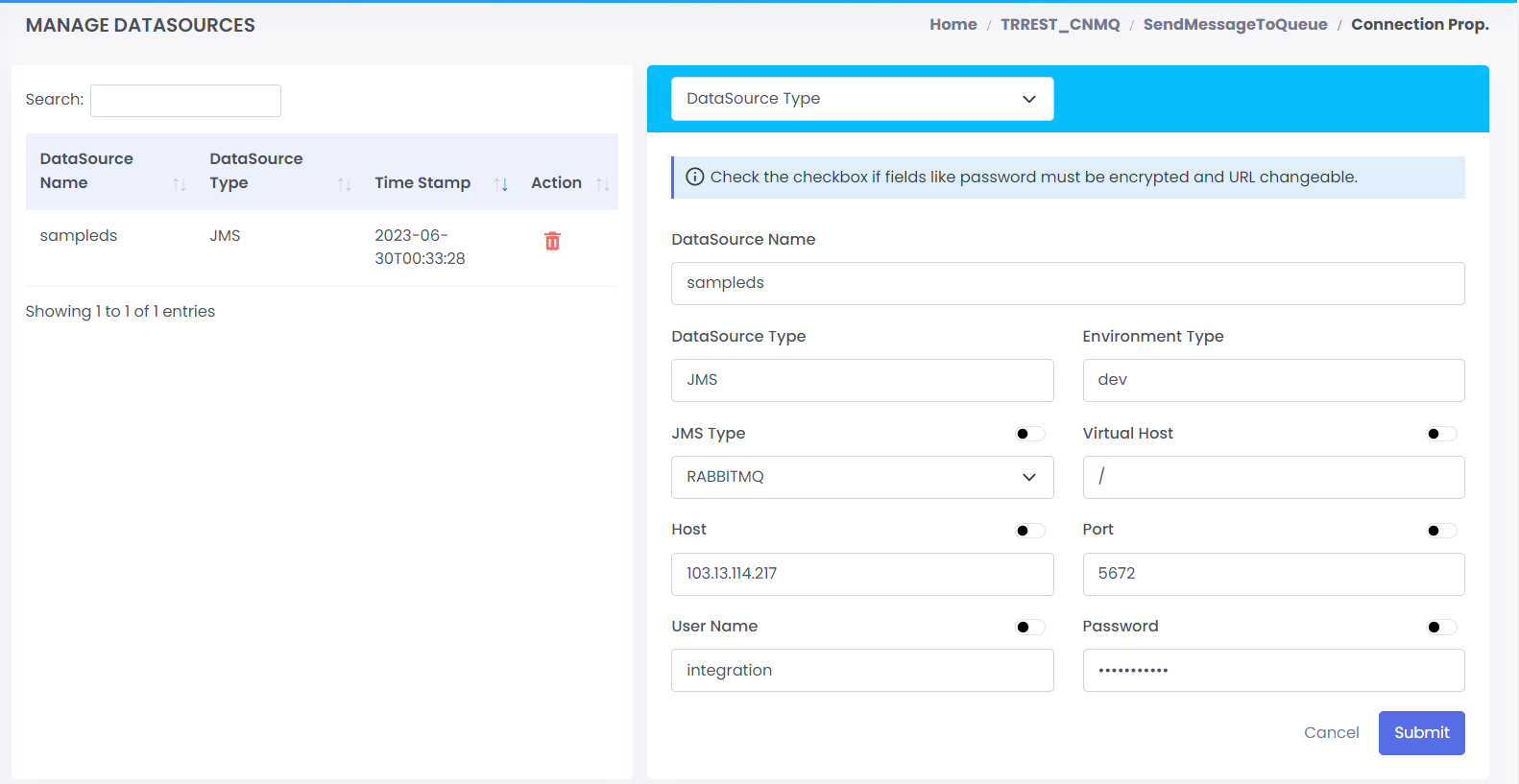
| Datasource Name | Datasource Name which is configured in connections properties | sampleds |
| Queue Name | Name of the queue | sample |
| Input | Input to the connectors | TransformedOutput |
Read MQ Operation
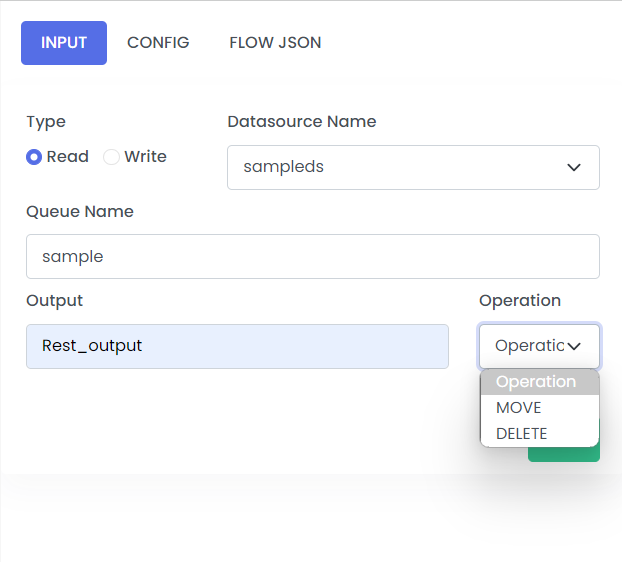
To perform read operation on MQ, provide queue name and output payload. Please select operation(MOVE or DELETE) to define further course of action for the message read from the queue.
| Fields | Description | Example |
|---|---|---|
| Type | Read/Write | Read |
| Datasource Name | Datasource Name which is configured in connections properties Please refer the link for instructions on creating the datasource name | sampleds |
| Queue Name | Name of the Queue | sample |
| Output | Output | |
| Operation | What Operations we want to perform using MQ connectors | Rest_output |
Retry
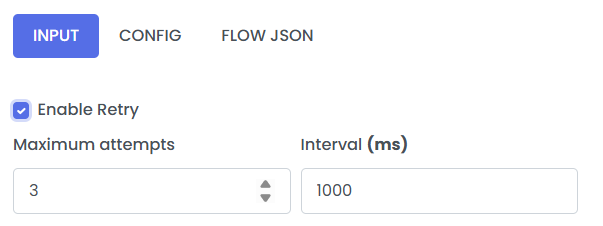
Retry is flag passed on connector nodes, like MQ, to allow the step to be retryable if any exception occurs. It has 2 configurable properties.
- maxRetryAttempts: The max number of retries if any exception occurs. max attempts are 3.
- retryIntervalMillis: The max interval between retries. Max range is 6000ms.
Enable retry by cliking on the Enable Retry radio button at the top of the configuration pannel.